

You have tried the rest
Now try the best!
Check out the great features below...
Remember - Pay ONCE keep FOREVER!
Dashboard
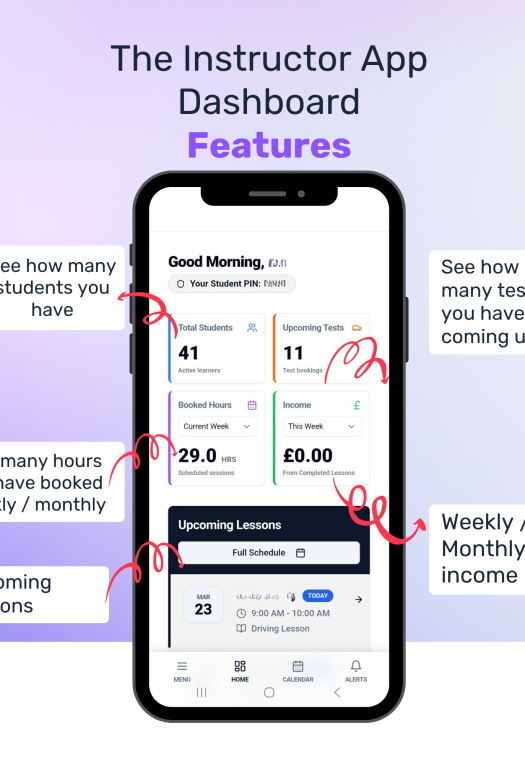
Your Dashboard – At a Glance
- Total number of students – see how many active learners you have
- Upcoming driving test bookings – stay prepared for test days
- Lesson hours booked – view hours for the current week or any selected week
- Income tracking – monitor earnings for today, this week, or the month
- Upcoming lesson bookings – keep on top of your daily schedule
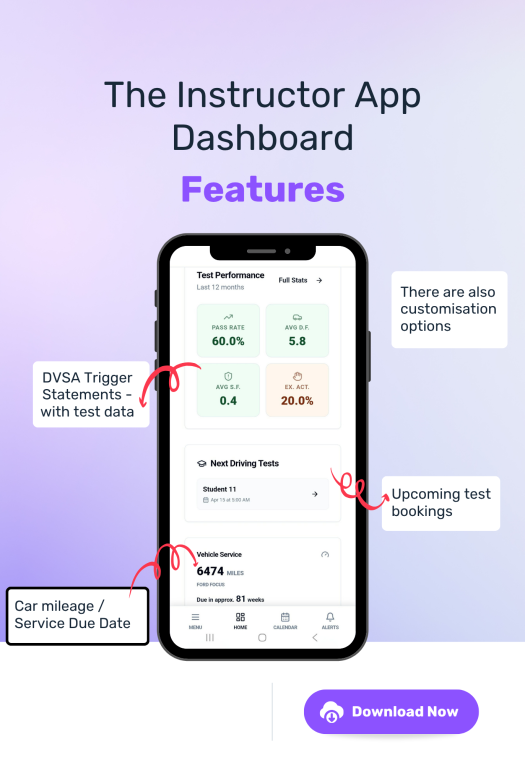
- Next students with driving tests – quickly see who’s up next
- Standards check performance – track triggers and identify areas for improvement
- Vehicle service reminders – know when your car is due a service
- Pre-paid lesson hours – view how many hours each student has remaining
- Low balance alerts – easily identify students running low on hours
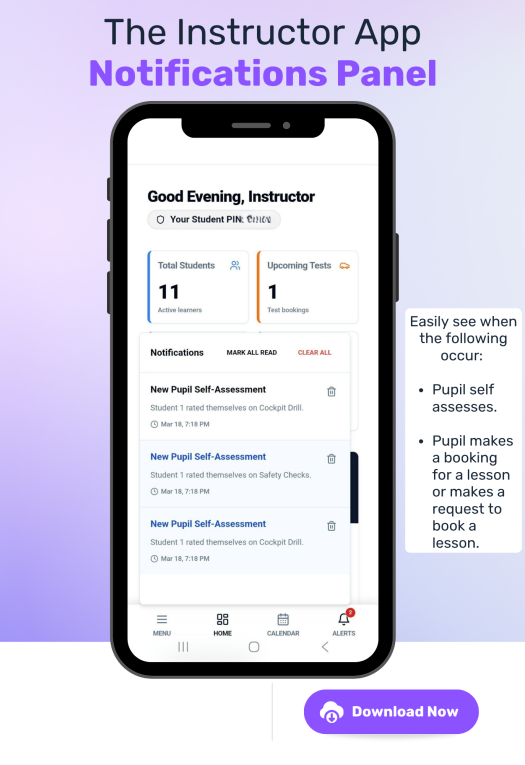
- Notification Panel - See when pupils have made self-assessments and when booking requests have been made etc.
Schedule
Your Schedule – Stay in Control
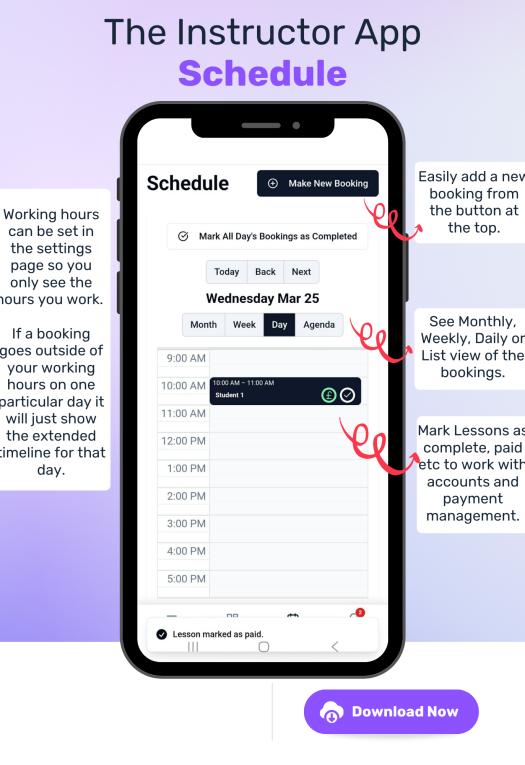
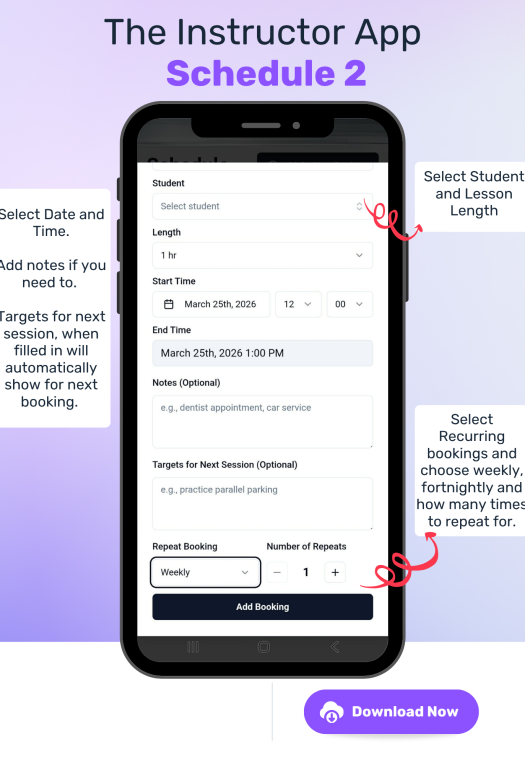
- Flexible calendar views – switch between Daily, Weekly, Monthly, or List view
- Colour-coded lessons – easily identify lesson types at a glance
- Clear booking details – see pupil names and lesson times instantly
- Custom time slots – calendar adapts based on your working hours set in Settings
- Extended hours display – bookings outside normal hours automatically extend your calendar view for that day or week
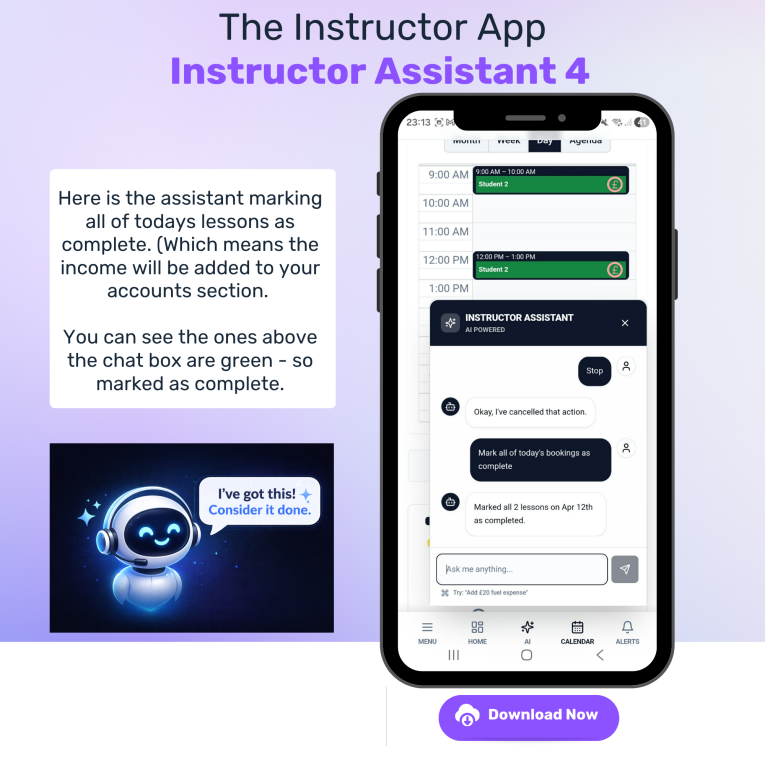
- Mark lessons as completed – automatically add income to your accounts
- Track payments – mark lessons as paid to manage who has and hasn’t paid
- Pre-paid lesson handling – lessons are automatically marked as paid when using pre-paid hours
- Visual status updates – completed lessons change colour on the calendar
- Navigate with ease – move back and forward through days, weeks, or months
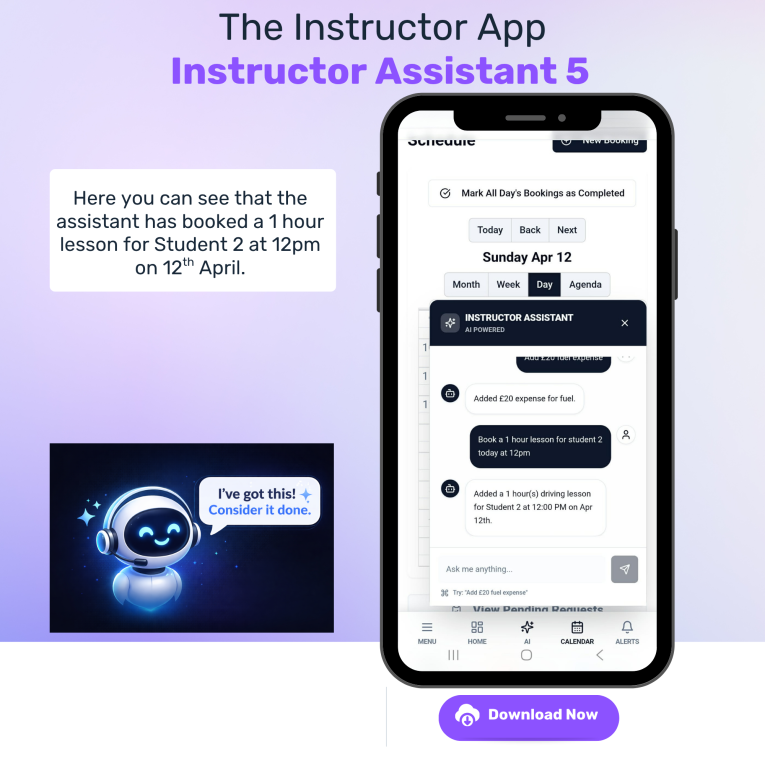
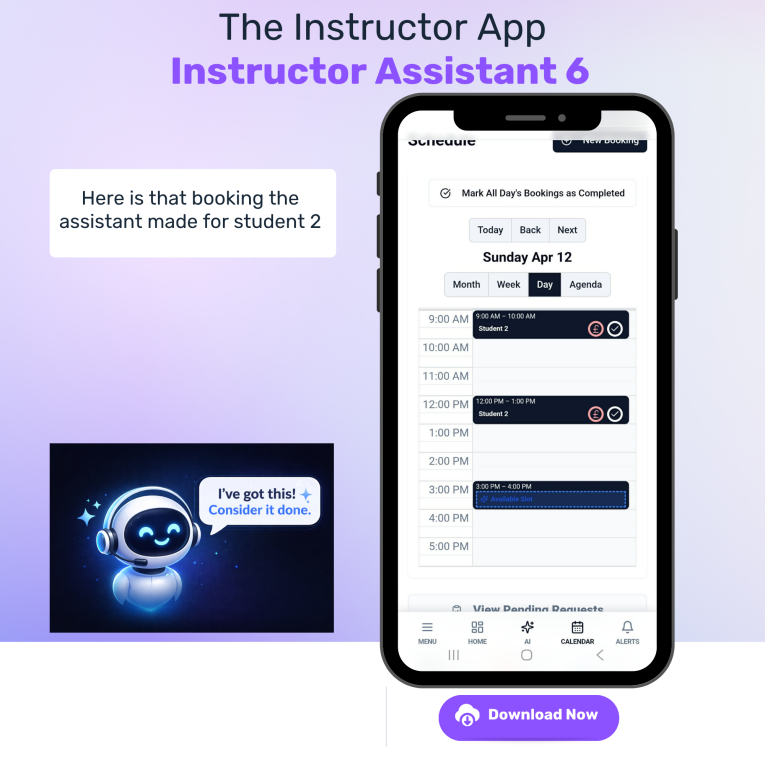
- Quick booking creation – add new lessons using the “New Booking” button
- Edit and add notes – click any booking to update details, notes, or lesson targets
- Pending requests – view and manage lesson booking requests via the “Pending Requests” button
Progress Tracker
Monitor Student progress
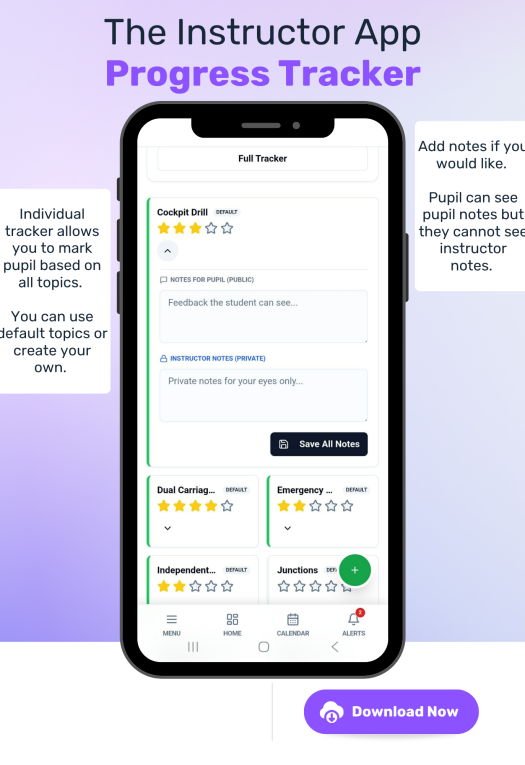
- Easily see student progress - Track using the pre selected objectives or hide these and add your own.
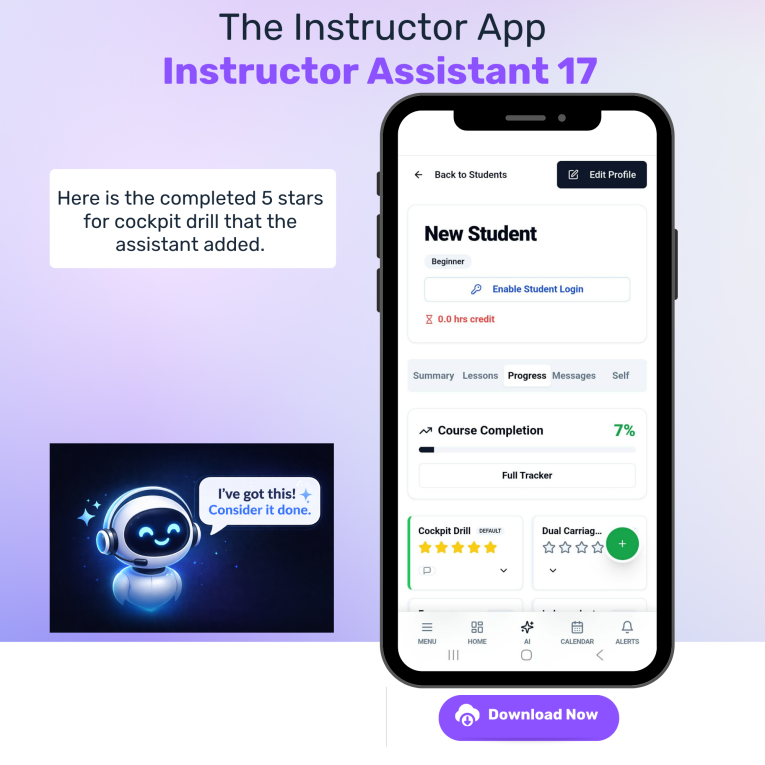
- Mark using a 5 star scale - When you mark with the stars you can change them as you go along incase you think they have gone back a step at some point or keep adding them as they become more confident.
- Add comments - You can add comments that can only be seen by you or that can also be seen by students.
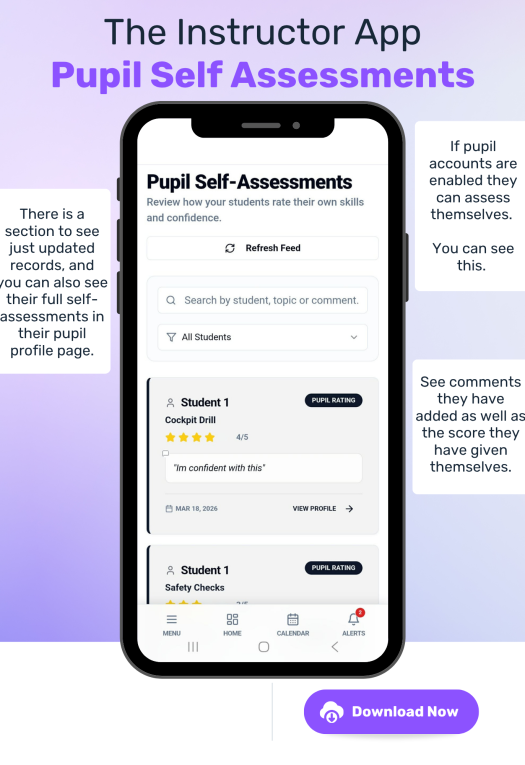
- Student self assessment - This is a separate assessment where they can determine how confident they feel about the topics and they can give reasons that you can see.
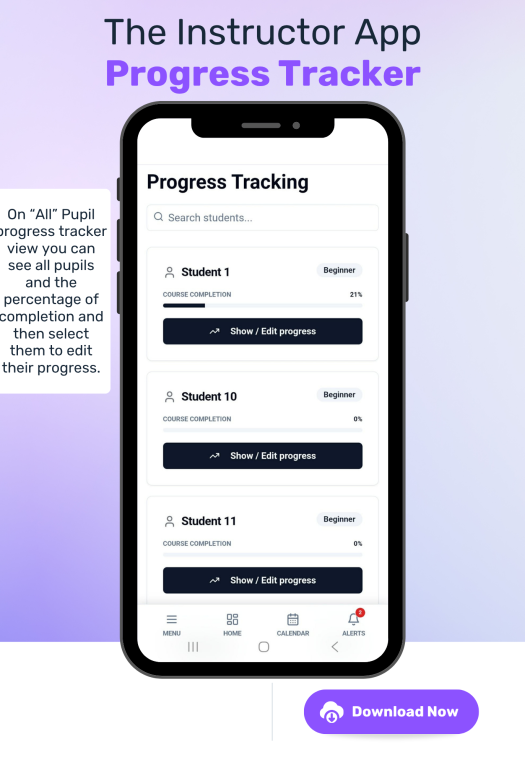
- Percentage completion - for each student see how much of the course has been completed based on the number of stars awarded.
- All students tracker - Easily see where everyone is at and then click on their profile to make changes.
- See it in their profile - Look at their profile to see it as well.
Student Profiles
Keep Track of data
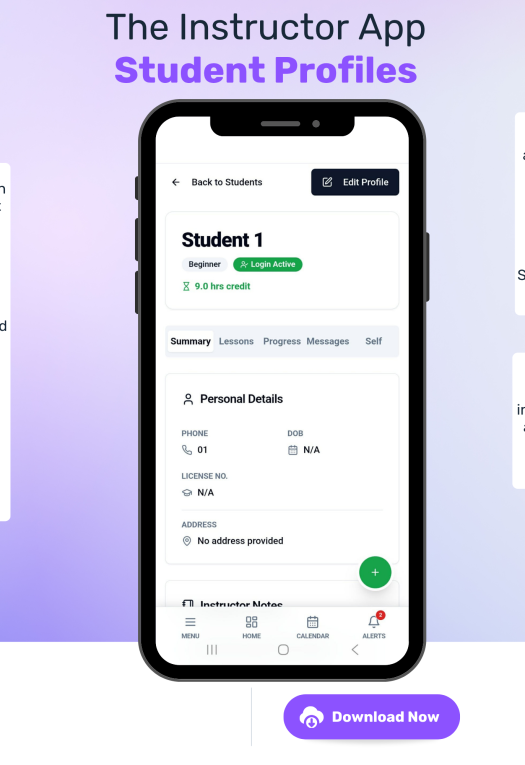
- Student Profiles - Each student gets their own profile page.
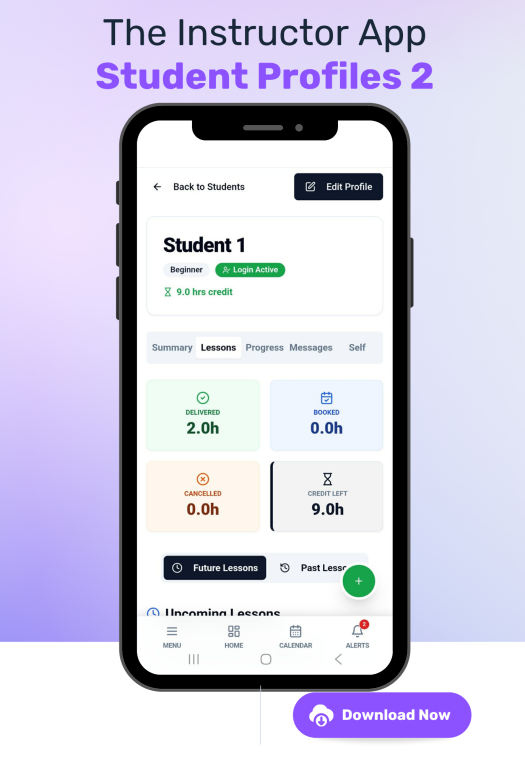
- See Amount of lessons - See amount of lessons they have had, how many they have booked and a log of them.
- See amount of hours - See how many pre-paid hours they have.
- See bookings - see all past, present and future bookings you have for that student.
- Make bookings - Make bookings using the shortcut button.
- Add pre-paid credit - Use the shortcut button to add hours to their prepaid balance.
- Create their user account - Give them log in details so they can use the student app.
- View their progress - View and edit their progress and view their self reflections
- Send them a message - If they are using the app you can use the in app messaging.
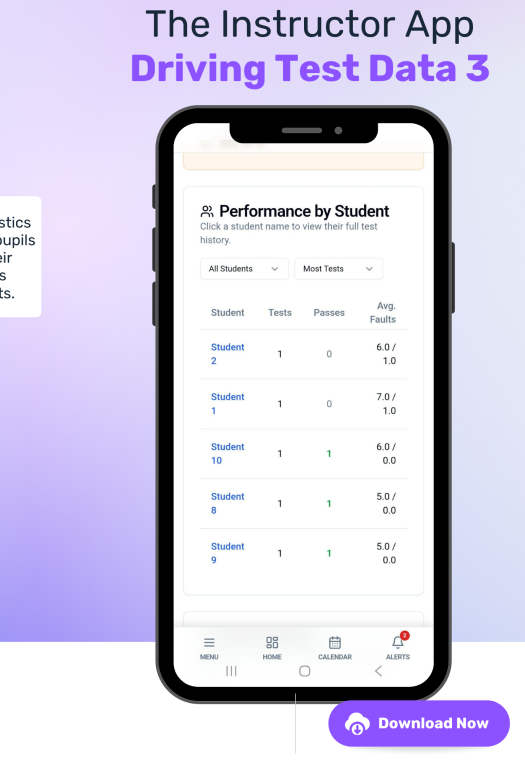
- See driving test results - Have a look at past driving test results.
Accounts
Manage your money with ease!
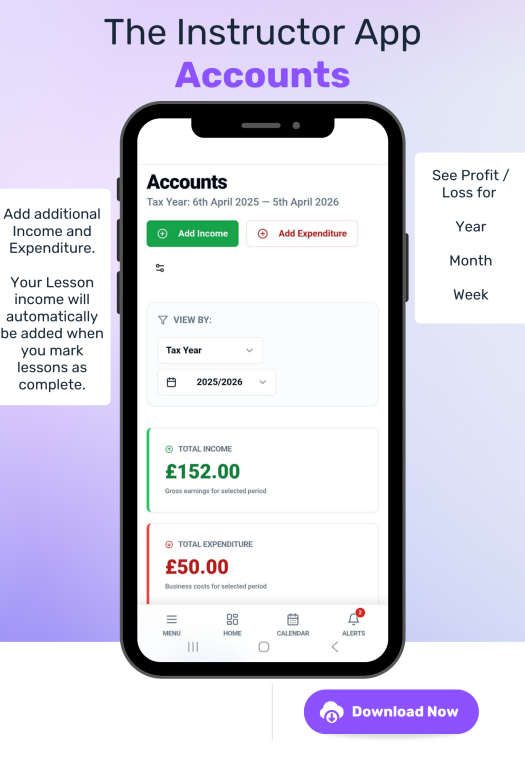
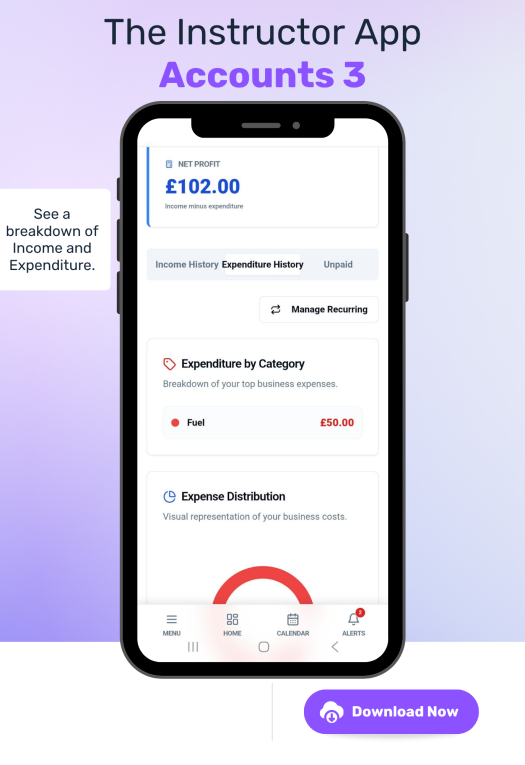
- Income - Easily keep track of income as if you add your hourly rate into the settings it will automatically add income to your accounts section when you mark lessons as complete.
- Recurring expenses - If you have daily, weekly, fortnightly or monthly expenses such as lease payments you can add them as recurring so you don't have to keep adding them.
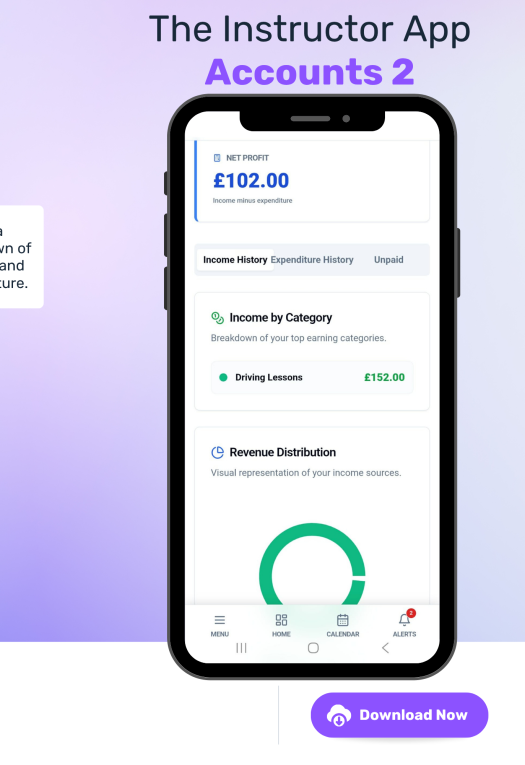
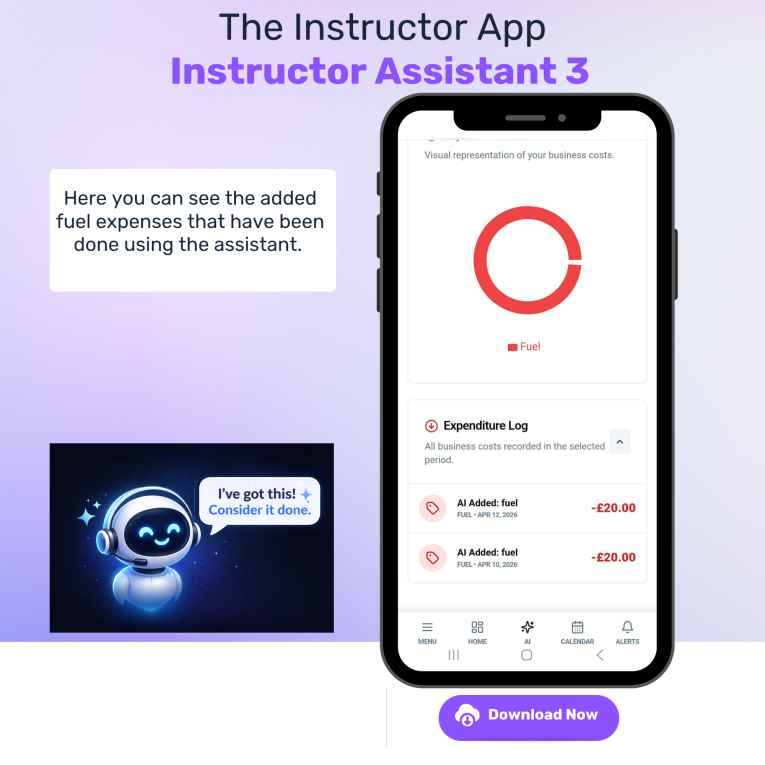
- Add one off expenses - Add an expense and categories for them when they come in and you see a pie chart explaining where your income and outgoings are going.
- See your profits or Losses - See how well you are doing on a weekly, monthly or yearly basis showing income and expenditure and the profit or loss you are making.
- See logs - See the log of incoming and outgoing payments to keep track.
Driving Test Data
Keep a track of your stats!
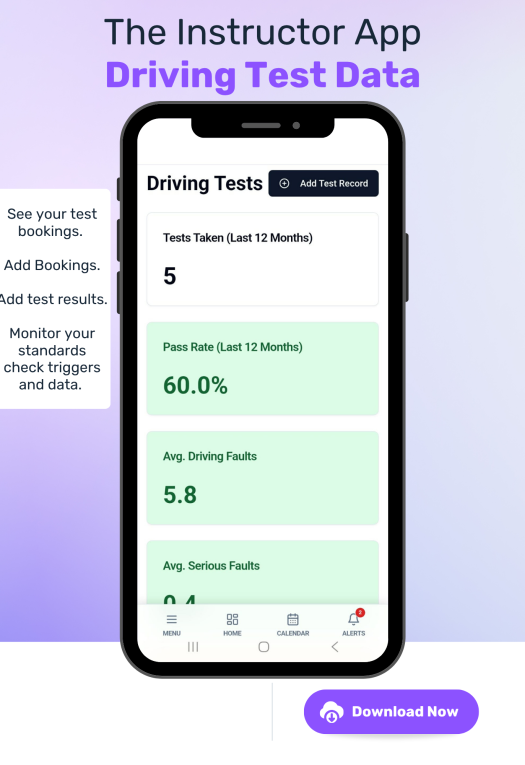
- Keep track of those tests - See all your upcoming and previous tests.
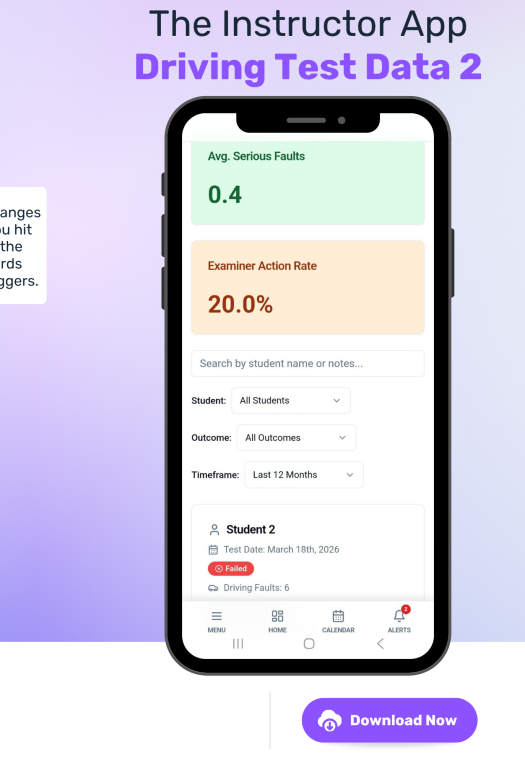
- Monitor results - add test result data to show your standards check trigger data.
- Standards check triggers - Keep an eye on your performance with colour changing indicators so you know if you hit a trigger or not!
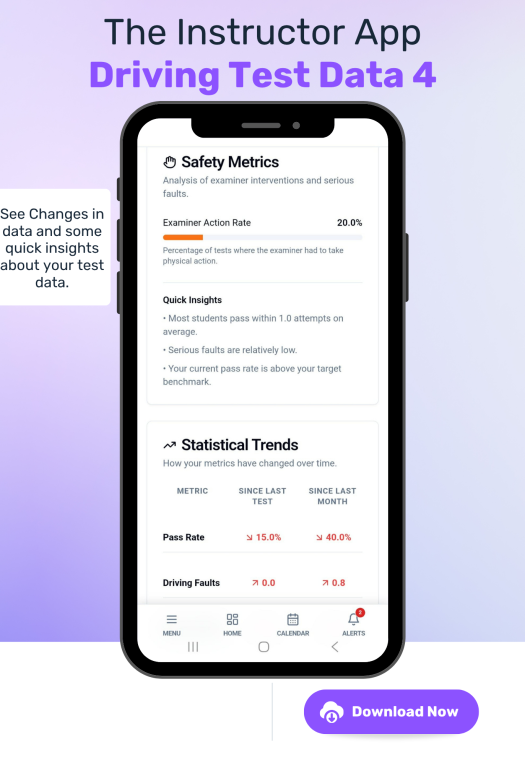
- Regular updates and facts - See how your stats have changed since your last test, last month etc. and have some insights.
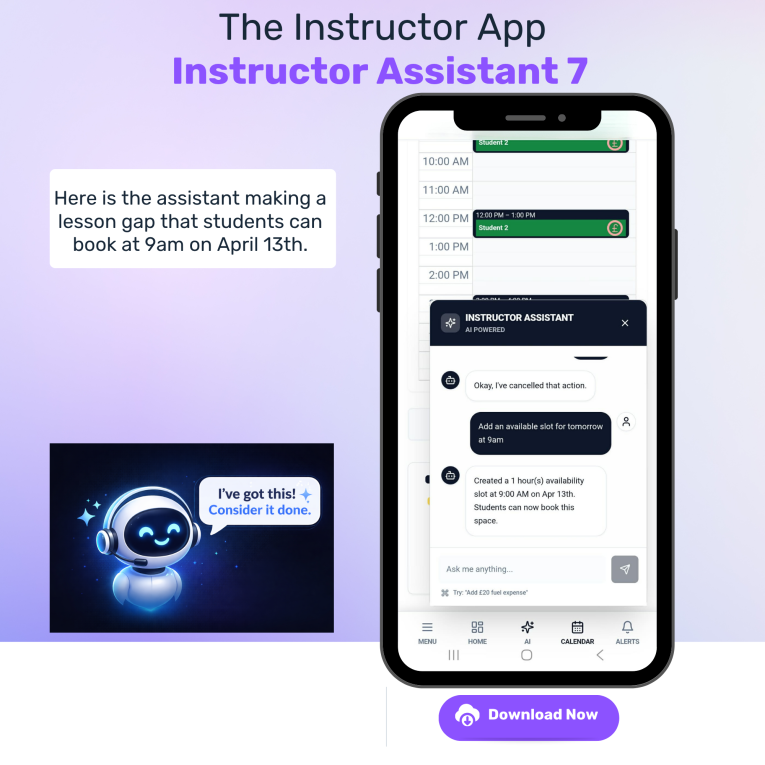
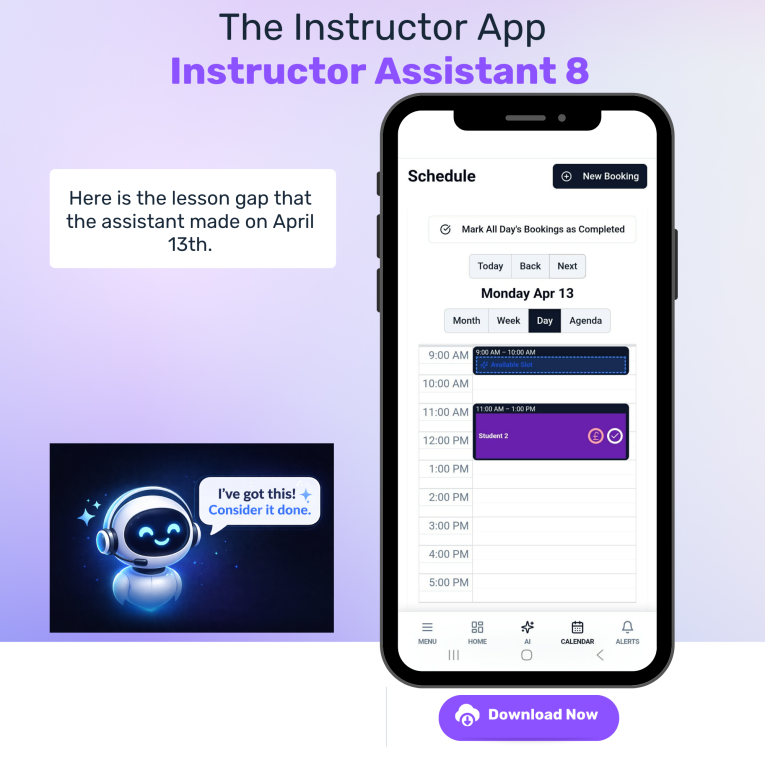
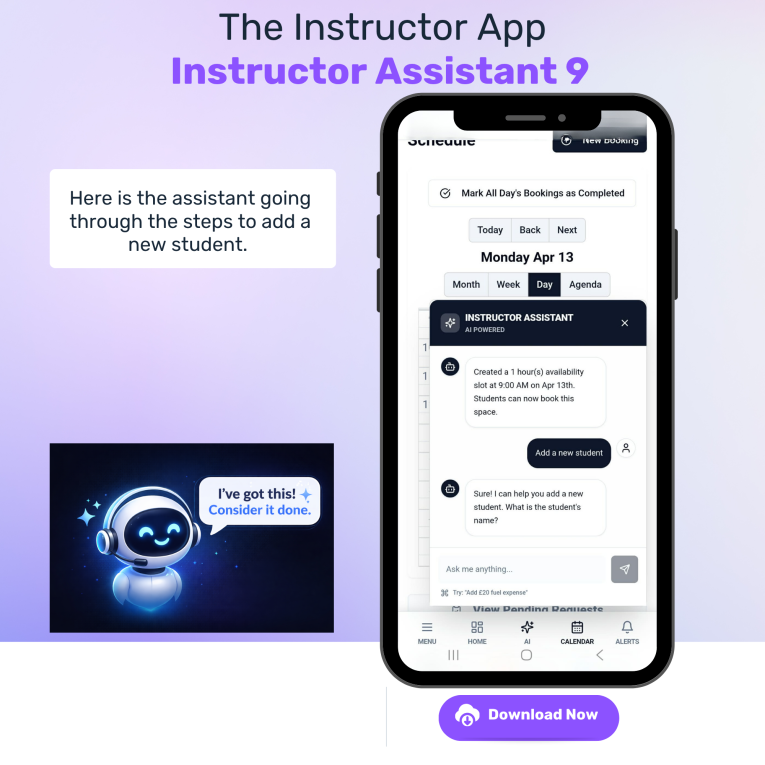
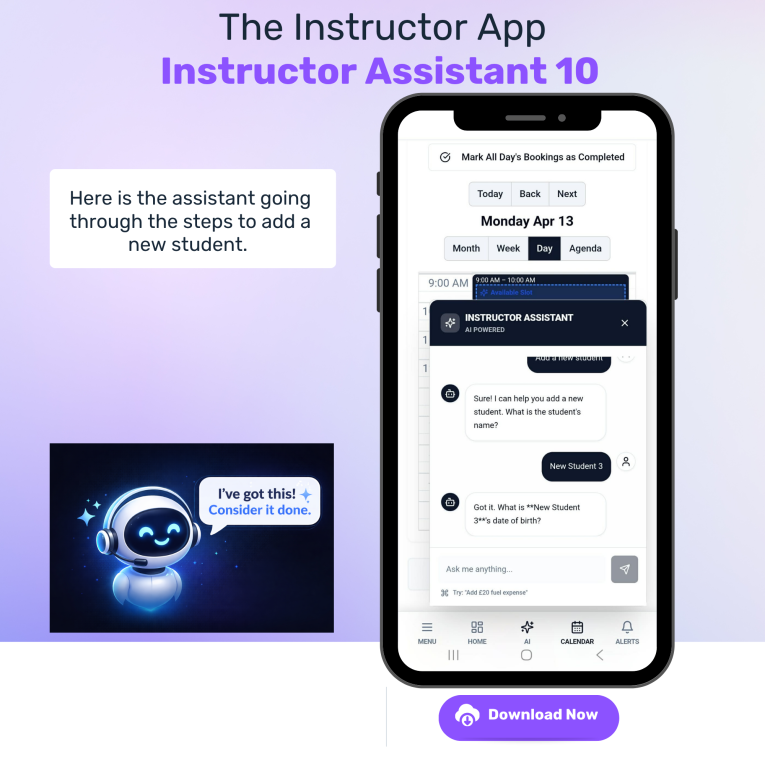
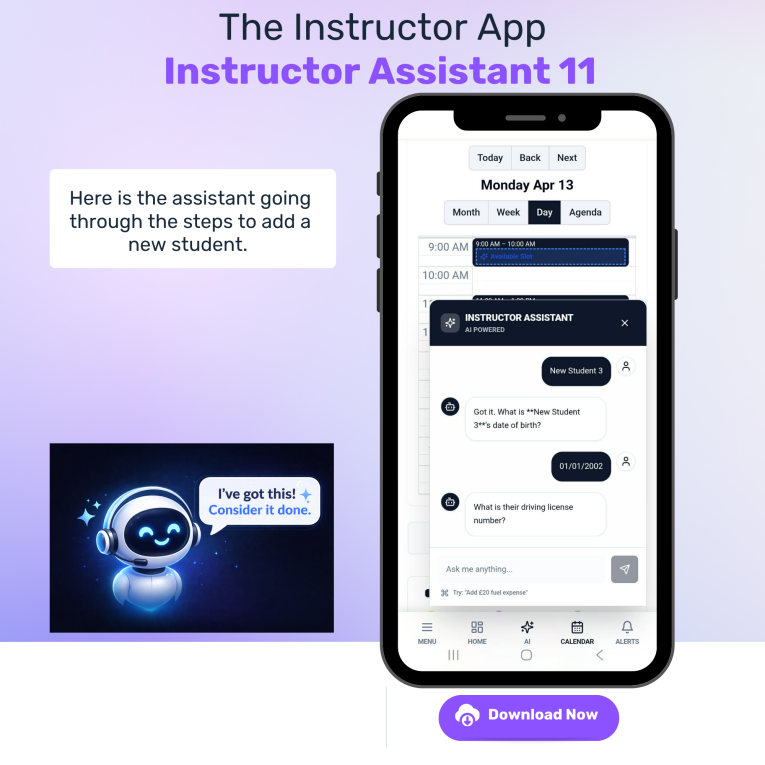
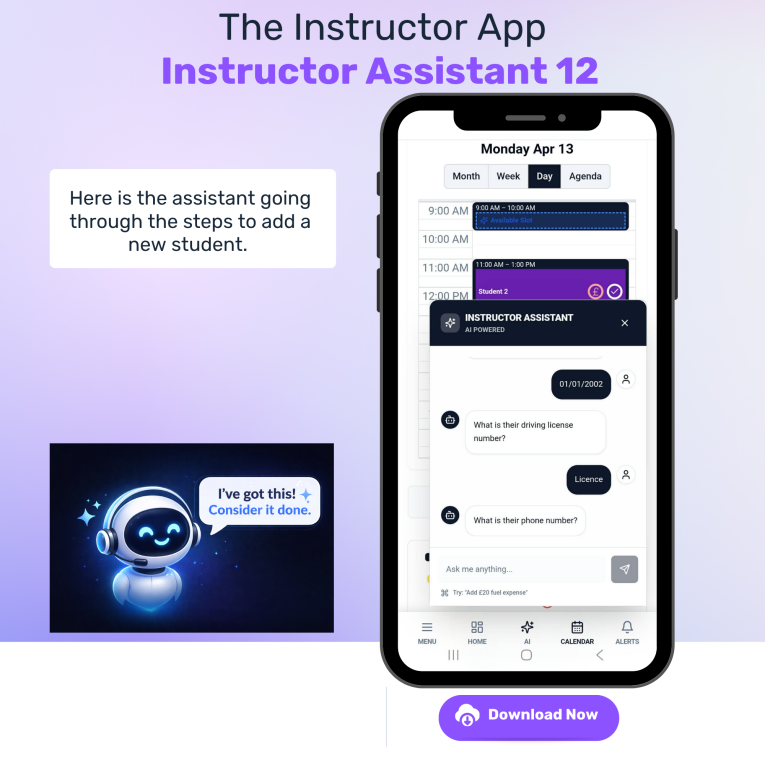
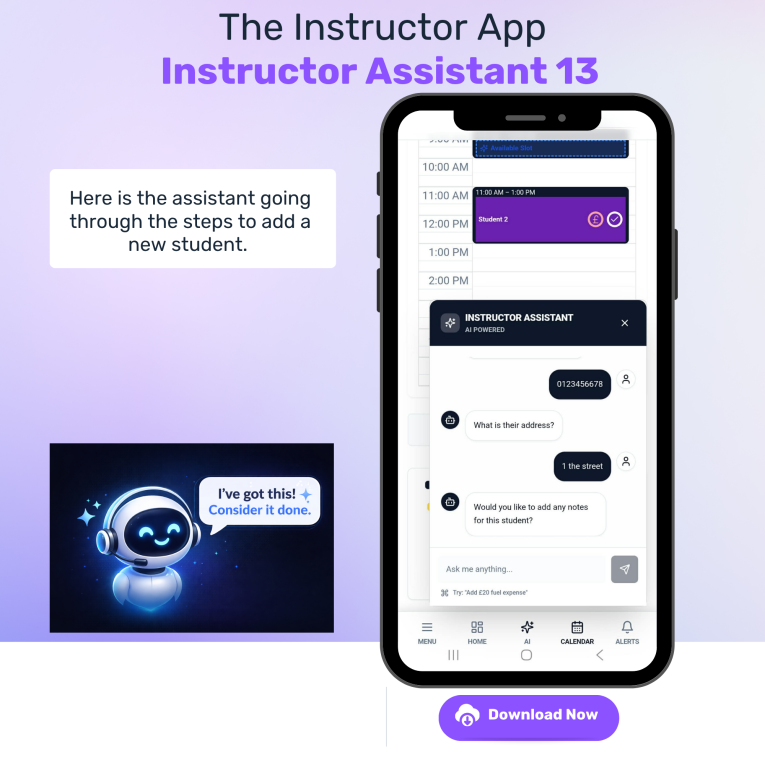
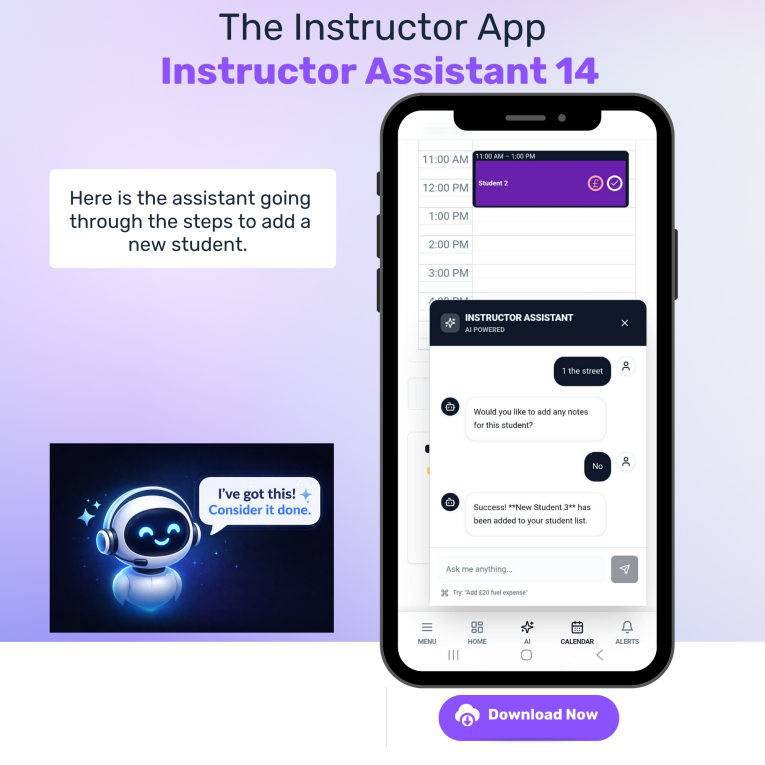
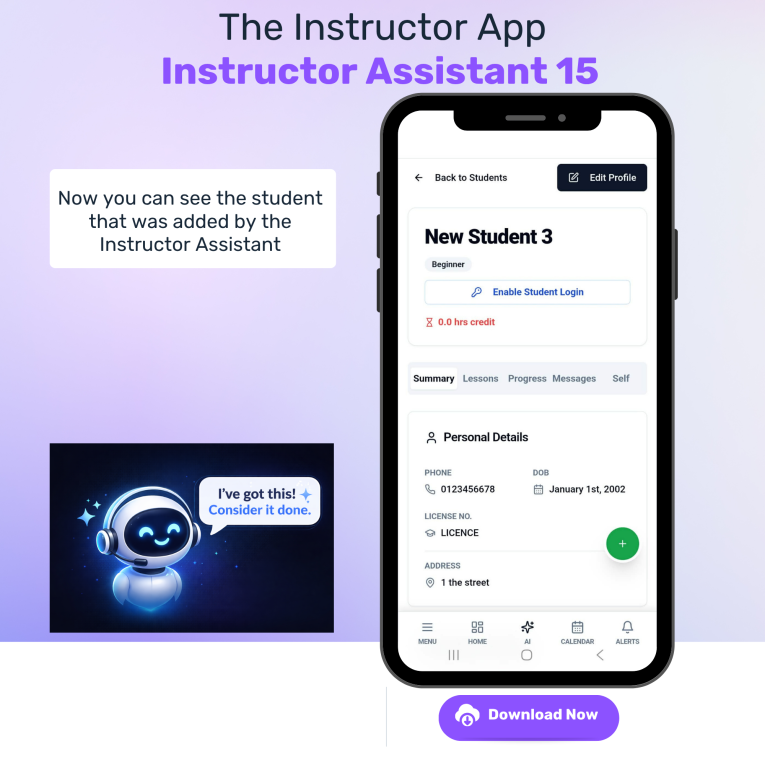
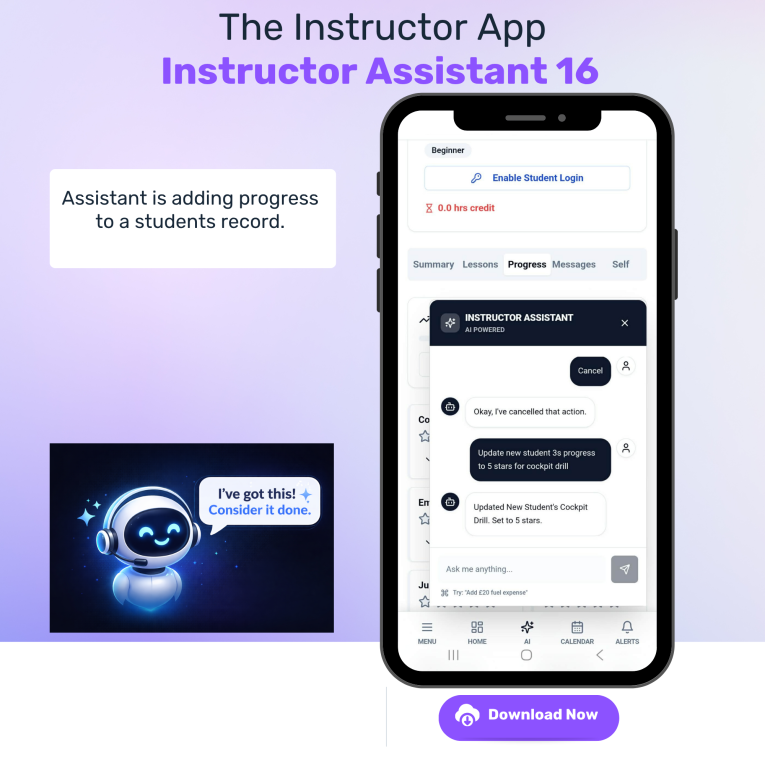
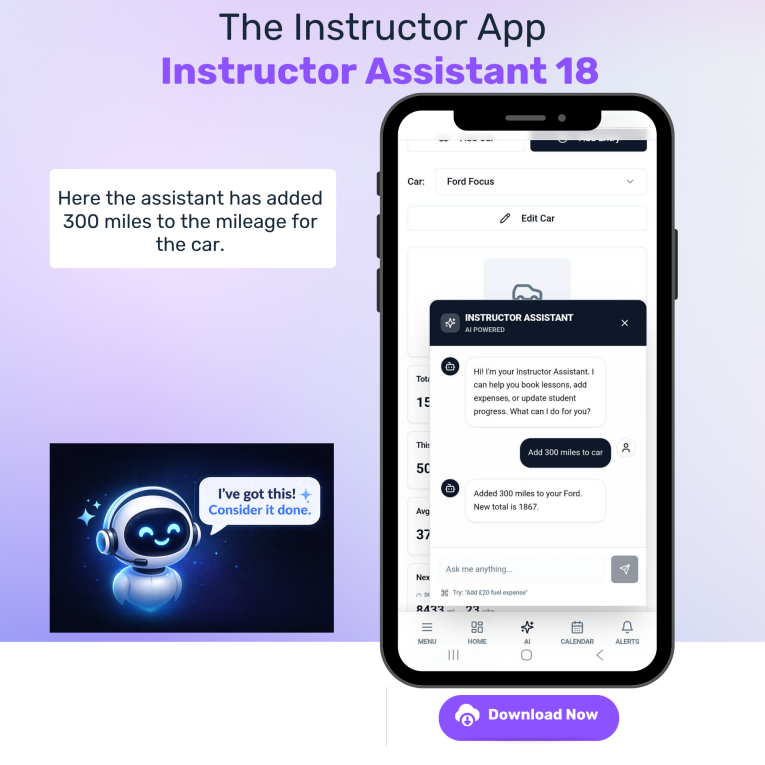
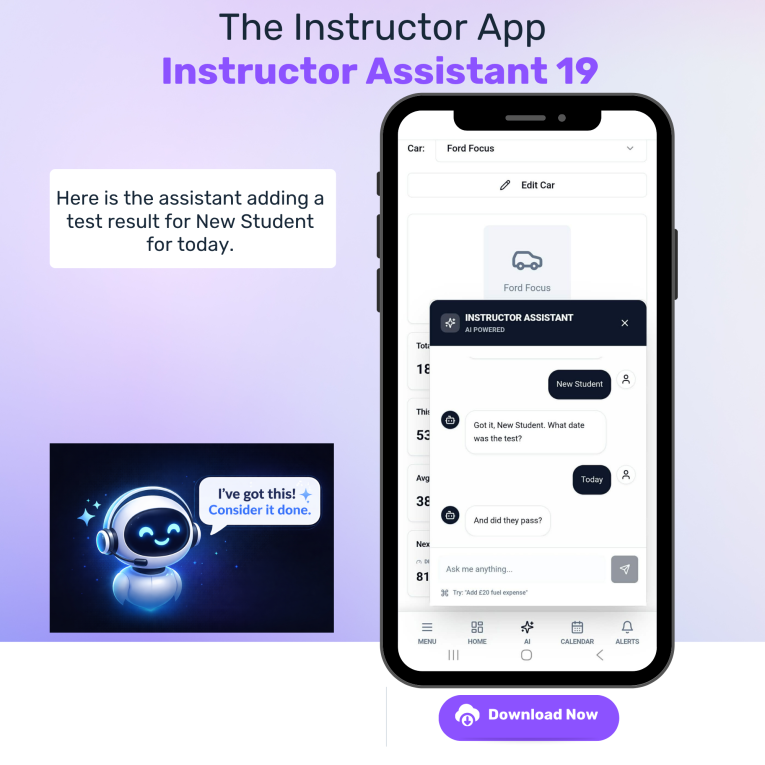
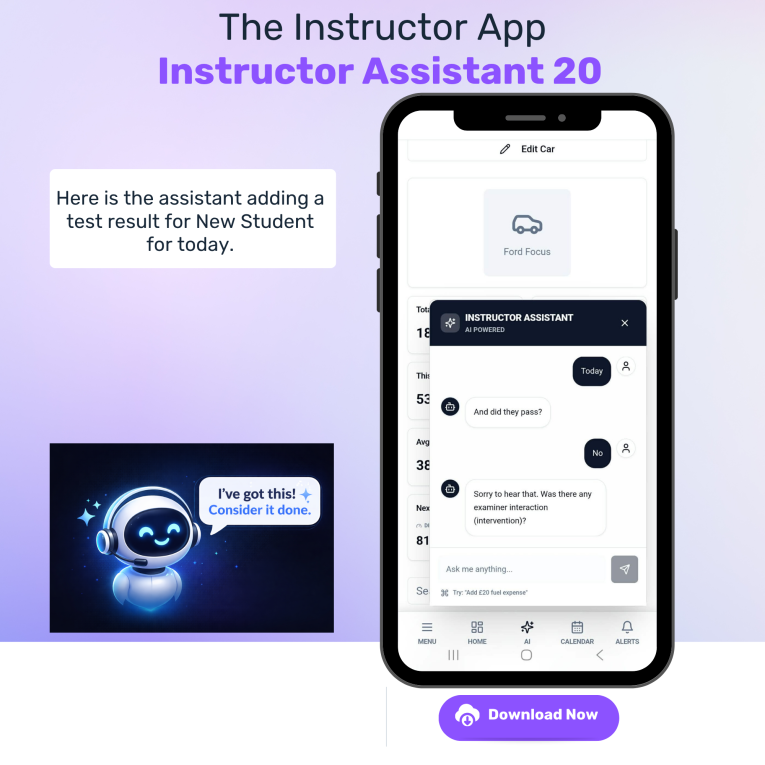
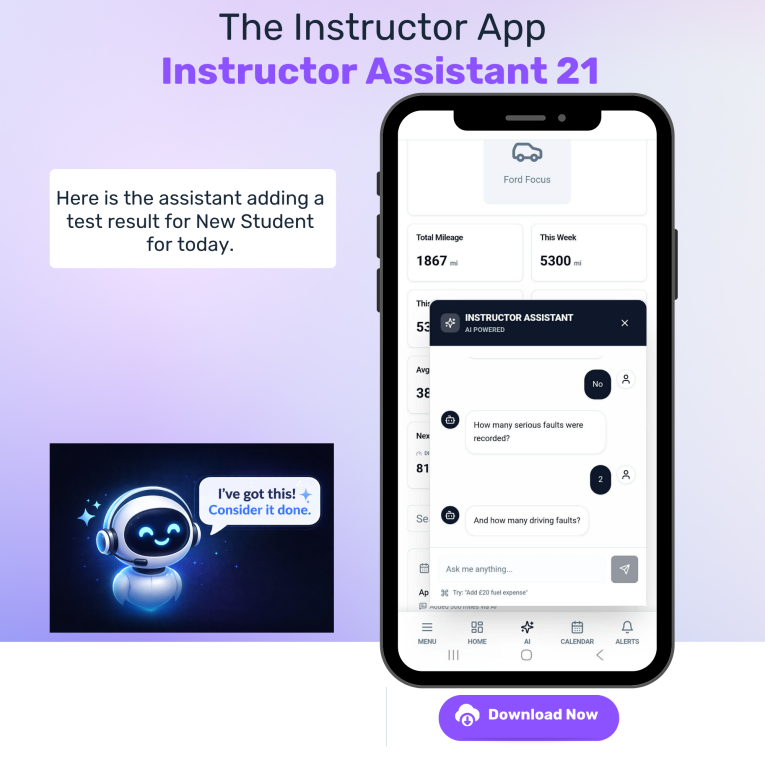
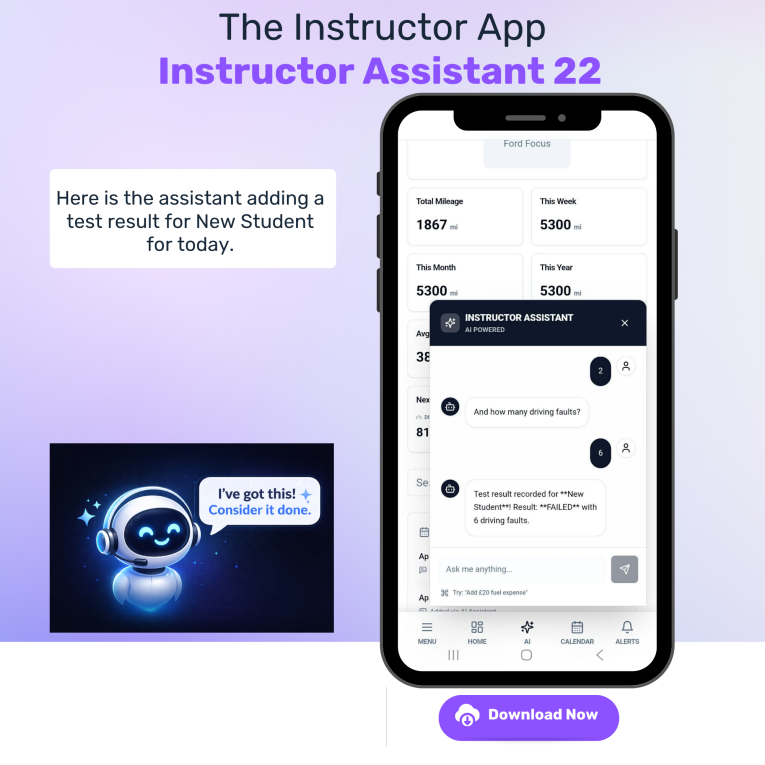
Instructor Assistant
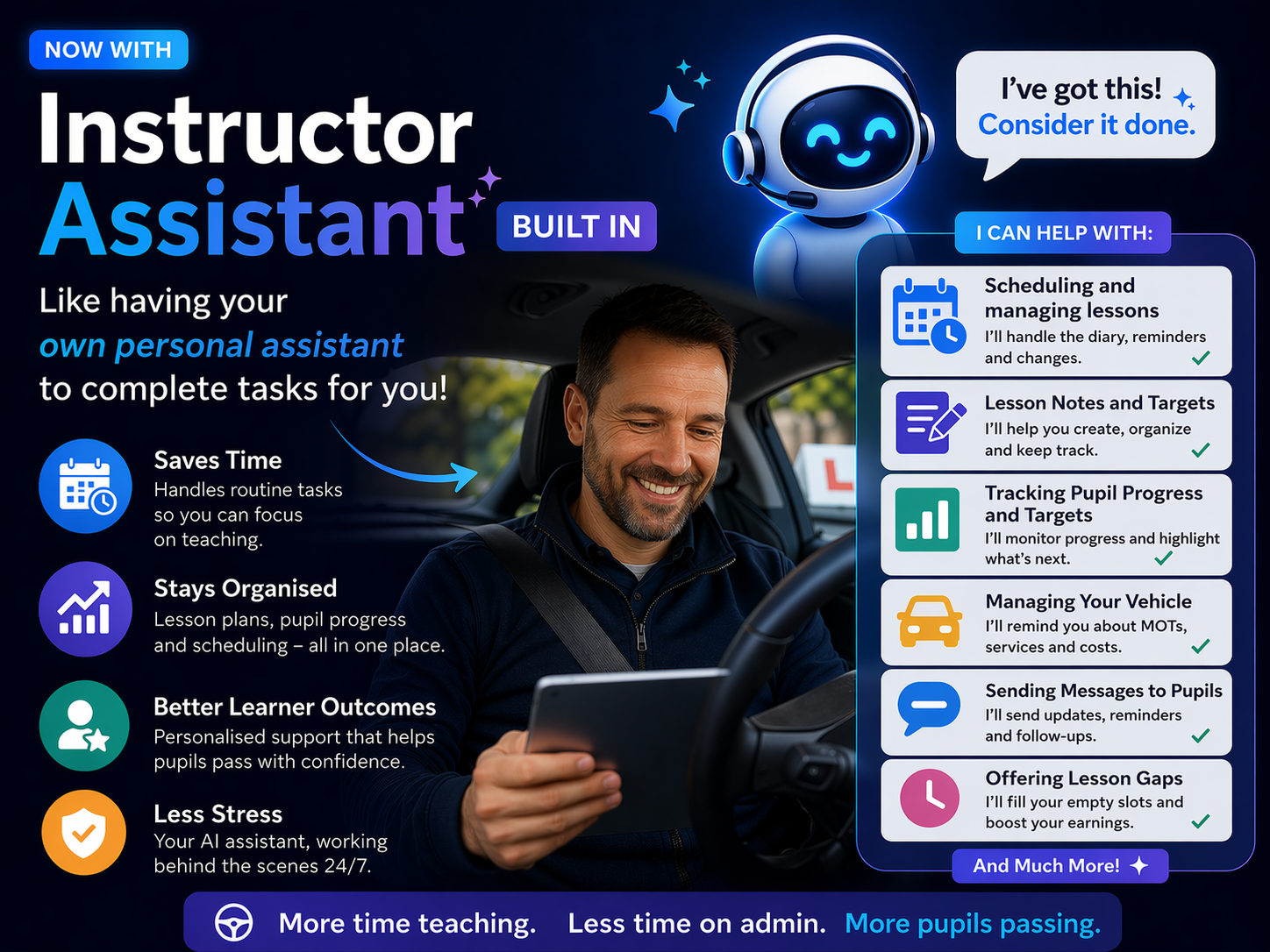
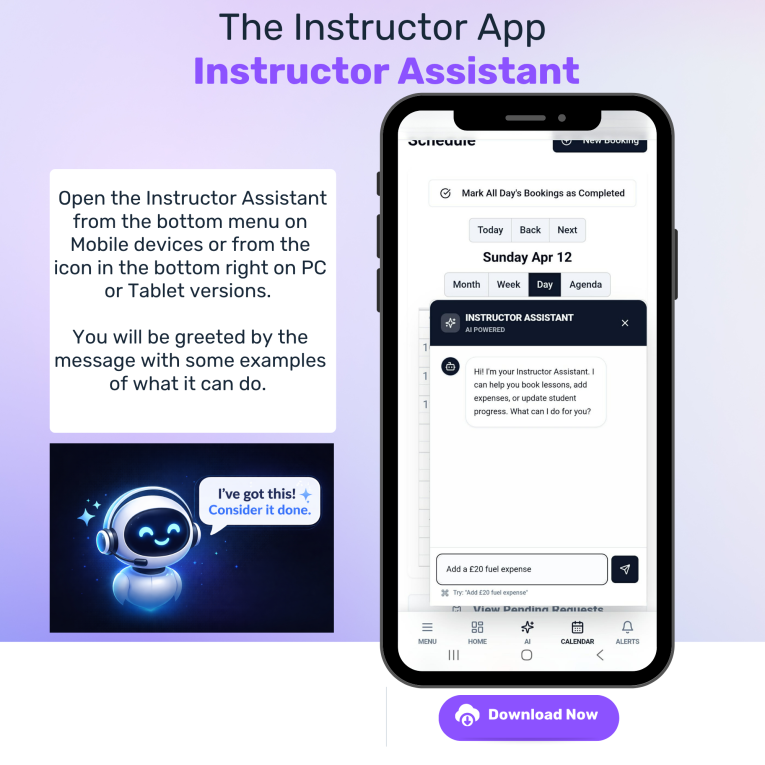
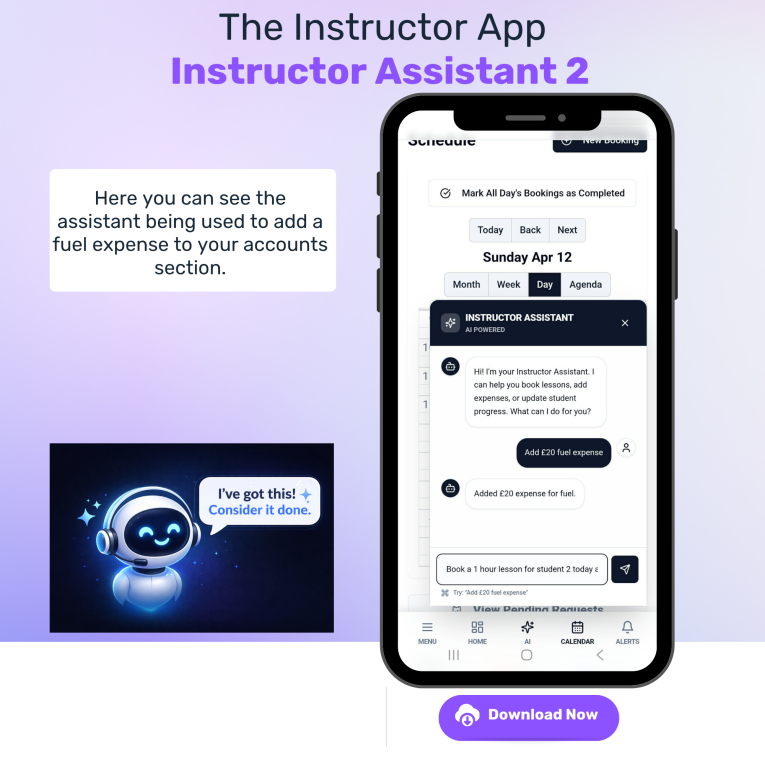
Your Personal Assistant!
And that's not the end
There are other features for
you to discover
And more to come.